• Skip to primary navigation
  • Skip to main content
  • Skip to footer

Intellisoft Training: WSQ Funded IT Training in Singapore

Upgrade Skills With WSQ & SkillsFuture Funding from Singapore Government

  • Home
  • Course List
  • Register
  • About
  • Contact
  • Tel: 6252-5033
  • Home
    • About Intellisoft Training
    • Contact Us
    • Privacy Policy
    • Training Terms & Conditions
    • Safe Training Experience
    • Upcoming WSQ Funded Trainings
    • Register For A Course
  • WSQ Courses
    • Microsoft Excel
      • Basic Excel For Beginners
      • Advanced Excel
      • Excel Advanced Data Analytics & Visualization
      • Excel VBA Software Design
      • Excel for HR Professionals
    • Power BI, Power Query & Power Pivot
      • Data Analytics With Excel & Power BI
      • Data Analytics & Visualization with Power BI
      • Power Query & Power Pivot for Analysis with Excel
    • Microsoft PowerPoint
      • Create PowerPoint Presentations
      • Mastering PowerPoint Presentations
      • Word, Excel, PowerPoint & Copilot in Microsoft 365
    • Image & Video Editing
      • WSQ Photoshop Course
      • WSQ Adobe Illustrator Course
      • Video Editing with AI Tools
      • Master Canva Designs: Be a Pro With Canva
    • Python, PowerApps, SQL
      • Python For Beginners
      • Analyze and Visualize Data With Python
      • Mastering Power Apps & Power Automate
      • Build Automated Processes With Power Automate
      • Introduction to SQL
    • Project, SQL, Cyber Security
      • Microsoft Project MasterClass
      • PMP Exam Prep Course
      • Microsoft CyberSecurity Architect Training
      • Manage Cyber Security Risks
    • Soft Skills
      • Communication Skills Training
      • Presentation Skills Training
      • Effective Business Negotiations
      • Writing Professional Emails
      • Master Time Management
      • Uplifting Customer Service Culture
    • Google, Xero, Carbon
      • Google Workspace Content Management
      • Mastering Xero Accounting
      • Carbon Footprint Management
      • Sustainability Management
      • Azure Data Fundamentals
    • Generative & Agentic AI
      • Create Agentic AI Automations Without Coding
      • Build Agentic AI Apps with Claude Code & Codex
      • Digital Transformation with AI Tools
      • Word, Excel, PowerPoint & Copilot in Microsoft 365 Office
      • Video Editing with AI Tools
  • WSQ Grants
    • Training Grants Overview
    • WSQ Funding (50–70%)
    • SFEC: Use $10,000 by 30 Nov
    • SkillsFuture Credit
    • Absentee Payroll
    • UTAP for NTUC Members
    • Upcoming WSQ Funded Trainings
  • Non-WSQ Courses
    • Microsoft Access
      • Basic Access Databases
      • Advanced Access Databases
    • ICDL Insights: IoT / Cloud
      • Cloud Computing
      • Internet of Things (IoT)
    • IT Courses
      • C Programming
      • Java Programming
    • Microsoft Word
      • Advanced Word Processing
  • Articles
  • Newsletter
  • Corporate Training
  • Search
  • Enquire
Home » Word, Excel, PowerPoint & Copilot in Microsoft 365 Office

Word, Excel, PowerPoint & Copilot in Microsoft 365 Office

Highly Trusted & Quality WSQ Course in Singapore at Intellisoft

Course Outline

Target Audience

Grant Info

Course Dates

Register

Contact Us

Course Overview

Microsoft 365 Excel, PowerPoint, Word & Copilot Training Course in Singapore by Intellisoft

Master Microsoft 365 Excel, PowerPoint, Word & Copilot – Training Course at Intellisoft Singapore

Comprehensive Microsoft 365 Training: Word, Excel & PowerPoint with Copilot – 3-Day Hands-On Workshop in Singapore

Microsoft Office 365 Training – Word, Excel, PowerPoint & Copilot Workshop at Intellisoft Singapore

Word, PowerPoint, Excel with Copilot in Microsoft 365 – Training @ Intellisoft Singapore

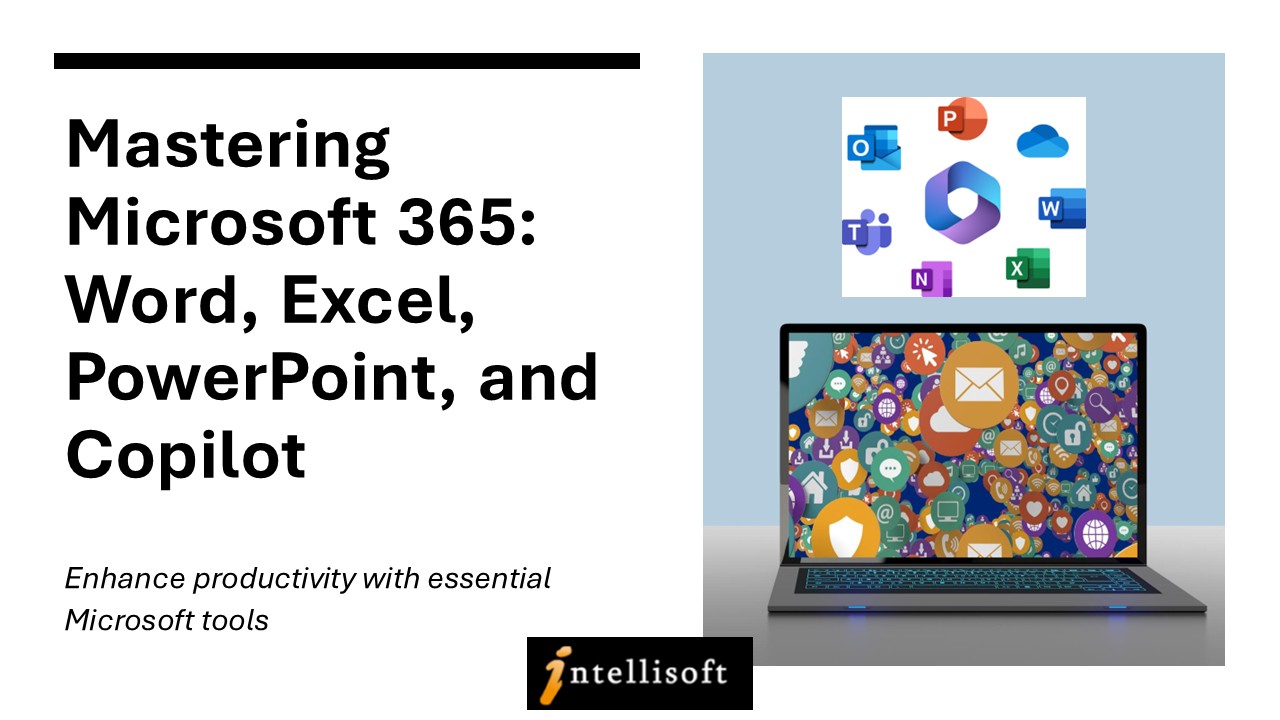
Boost your digital productivity and master the essential tools of modern workplaces with our Microsoft 365 Training Course in Singapore. This 3-day practical workshop is designed to help you gain confidence and efficiency in Microsoft Word, Excel, and PowerPoint, enhanced with the powerful AI features of Microsoft Copilot.

Whether you’re creating impactful presentations in PowerPoint, working with data in Excel, or crafting polished documents in Word, our experienced trainers at Intellisoft Systems will guide you step-by-step using a proven, hands-on approach.

You’ll learn how to:

  • Create professional documents with advanced Word formatting
  • Analyze, visualize, and summarize data efficiently in Excel
  • Design stunning, high-impact presentations with ease in PowerPoint
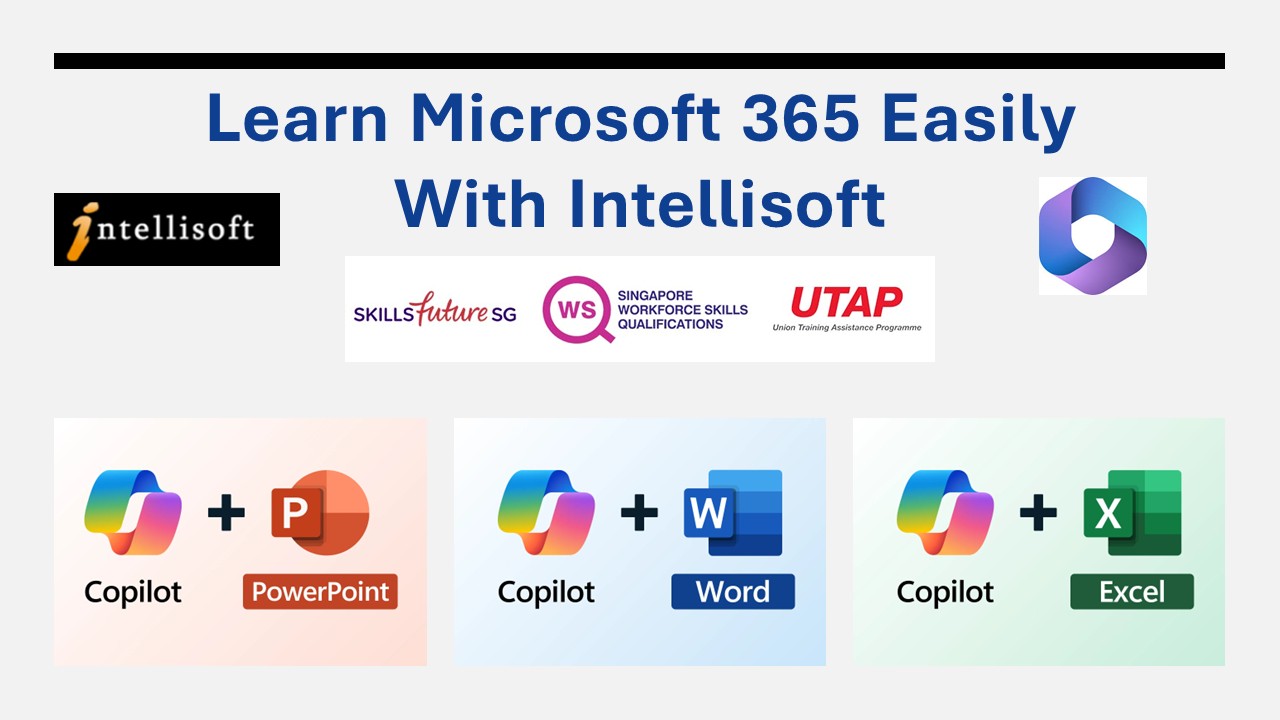
  • Use Copilot AI in Office 365 to automate tasks, write faster, analyze smarter, and save time

This combined Microsoft Office training is perfect for working professionals, office executives, administrators, and business users who want to stay relevant and competitive in today’s digital workplace.

Course Duration: 3 Days
This course is also available for corporate training and company-sponsored employees under WSQ funding in Singapore.

📞 Call us at +65 6250-3575 or 📧 Email: training@intellisoft.com.sg to register or inquire about the next available session.


Search: Microsoft 365 Training Singapore, Microsoft Office Course with Copilot, Excel Word PowerPoint Workshop, Office 365 Skills Training, Copilot AI Training, Microsoft Office Certification Singapore

Course Outline

3 Days Microsoft 365 Word Excel PowerPoint with Copilot Course in Singapore with WSQ Grants, SFEC, UTAP

Day 1: Microsoft Excel 

Section 1: Formulas and Functions 

Entering Formulas
Excel Arithmetic Operators
Using AutoFill Options
Commonly Used Functions

Section 2: Organize Worksheet & Table Data

Create and Modify Tables
Sort and Filtering Data
Get Summary Information in a Table

Section 3: Working with Charts

Summarizing Data Using Charts
Customizing Chart Data
Format Chart Legend and Titles
Creating a Pie Chart

Section 4: Work with Graphics

Add Pictures into a Worksheet
Customize Pictures and Objects
Add Drawing Objects
Add SmartArt

Section 5: Managing Large Workbook

Manage Large Workbook Printing
Worksheets Setting
Page Setup Options

Section 6: Customize & Enhance Workbooks

Customizing Excel to Your Work
Creating Hyperlinks
Customizing Quick Access Toolbar

Section 7: Microsoft 365 Copilot in Excel

Analyze your data
Transform your data
Add Tables
Add Charts
Sort & Filter Data

Day 2: Microsoft Word 

Section 1: Manage documents

Format documents
Save and share documents
Insert text and paragraphs
Format text and paragraphs
Create and configure document sections

Section 2: Manage tables and lists

Create tables
Modify tables
Create and modify lists

Section 3: Create and manage references

Create and manage reference elements
Create and manage reference tables

Section 4: Insert and format graphic elements

Insert illustrations and text boxes
Insert shapes
Insert pictures
Insert SmartArt graphics
Insert screenshots and clips
Insert text boxes
Format illustrations & text boxes
Add text to graphic elements

Section 5: Manage document collaboration

Add and manage comments
Manage change tracking

Section 6: Maximize the AI features using Copilot in Microsoft Word

Draft a new document
Use the Copilot chat in Word
Linking files in Copilot in Word
Collaborate using real-time coauthoring

Day 3: Microsoft PowerPoint 

Section 1: Working With Text 

Using an Outline Adding Text Using Bullets and Numbering Formatting Text & Paragraphs Using Text Boxes Setting Tabs

Section 2: Adding Multimedia Elements

Using Multimedia Elements Working With Pictures Applying Styles & Effects Modifying Hyperlinks Working With SmartArt

Section 3: Enhancing Presentations

Adding Audio & Video Media
Using Animation
Managing Multiple Transitions
Changing Animation Order
Using Slide Transitions

Section 4:  Preparing The Slide Show

Reviewing The Presentation Customizing the Presentation Proofing the Presentation Setting up a Slide Show Using Presentation Tools
Using Presenter View Rehearsing a Presentation Presenting The Slide Show

Section 5: Design captivating presentations with Microsoft 365 Copilot in PowerPoint

Create a new presentation
Transform written documents into presentations
Adjust layouts, reformat text, and time animations

Microsoft 365 Course in Singapore with Excel, Word, PowerPoint & Copilot - With WSQ Funding, UTAP, SkillsFuture, SFEC Grants & Absentee Payroll
Microsoft 365 Course in Singapore with Excel, Word, PowerPoint & Copilot – With WSQ Funding, UTAP, SkillsFuture, SFEC Grants & Absentee Payroll

Target Audience

This course is ideal for anyone who wants to build confidence and competence in using Microsoft Word, Excel, and PowerPoint — the essential productivity tools in today’s digital workplace.

Trainers rated 4.7/5 by learners (3,268 evaluations)

Microsoft 365 (Word, Excel, PowerPoint) With CoPilot is a 24-hour (3-day) classroom course at Fortune Centre, 190 Middle Road (Bugis), run by Intellisoft Systems. The full fee is S$980 (S$1,068.20 incl. GST). With SSG funding, eligible Singapore Citizens and PRs pay S$578.20 (50% funding), or S$382.20 with 70% funding (Singapore Citizens aged 40+, and SME-sponsored staff). Next classes: 14 Nov – 28 Nov 2026 (3 sessions); 18–20 Nov 2026; 5 Dec – 19 Dec 2026 (3 sessions).

Duration24 hours (3 days)
Full feeS$980 + GST (S$1,068.20)
After 70% fundingS$382.20 incl. GST
After 50% fundingS$578.20 incl. GST
Course reference (SSG)TGS-2025052673
VenueFortune Centre, 190 Middle Road (Bugis)
Next classes14 Nov – 28 Nov 2026 (3 sessions); 18–20 Nov 2026; 5 Dec – 19 Dec 2026 (3 sessions)

Page last updated 26 Feb 2026. Fees and dates are pulled from our live course schedule.

Whether you’re a complete beginner or someone who already knows the basics and wants to explore intermediate-level features, this hands-on program will help you work faster, smarter, and more effectively.

It is especially recommended for:

  • Office professionals, admin staff, and executives who use Microsoft Office daily

  • New job seekers looking to boost their digital skills

  • Students and fresh graduates preparing for internships or employment

  • Business owners and entrepreneurs who want to manage their work more efficiently

  • Anyone who wants to improve their understanding of documents, spreadsheets, and presentations using Microsoft 365

If you’re ready to move beyond the basics and truly master Microsoft Office with the help of Copilot AI, this is the right course for you.

Pre-Requisites

A basic understanding of how to use a computer — including familiarity with the keyboard, mouse, and navigating the Windows operating system — is required to join this course.

This is a basic to intermediate-level training program, designed to help you go beyond the basics. You’ll learn not just how to use Microsoft Word, Excel, and PowerPoint effectively, but also how to apply these tools to real-world tasks at work or home for greater productivity and impact. Only need Excel? Compare all Excel courses.

Grant Information

WSQ Funding: Eligible Singaporeans and PRs — whether individuals or company-sponsored — can claim WSQ Funding for this 3-Day Microsoft Word, Excel, and PowerPoint with Copilot course. Enjoy up to 50% to 70% course fee subsidy!

How much grant will I get? Click here & find out.

SkillsFuture Credits: Singaporeans aged 25 and above can use their SkillsFuture Credits to offset the remaining course fees after WSQ funding — and learn to work smarter with Microsoft 365 Word, Excel, PowerPoint, and Copilot.

Only the Opening SkillsFuture Credit and the One-off SkillsFuture Credit Top-Up can be used for this course.
Mid-Career SkillsFuture Credit is NOT applicable for this course.

UTAP for AI tools: NTUC members who complete this UTAP-approved AI course can also claim up to 50% of AI tool subscriptions such as ChatGPT, Claude and Codex, subject to the annual UTAP cap.

Don’t miss this chance to upskill with our practical, hands-on training in Microsoft 365 Office tools — including the latest Copilot AI features to supercharge your productivity. Check your grant eligibility now

Call us at +65 6250-3575 or email us at training@intellisoft.com.sg to register or ask any questions about our upcoming Microsoft Office 365 (Word, Excel, PowerPoint & Copilot) training class.

Do You Have Any Questions

on Course Fee, WSQ Grant or Funding?

Ask Us. We’ll be happy to assist you.

Training Schedule

14, 21, 28 Nov 2026
18, 19, 20 Nov 2026
5, 12, 19 Dec 2026
14, 15, 16 Dec 2026
20, 21, 22 Jan 2027

Register

Register now for the 3-Day Microsoft Office 365 with Copilot Training by simply selecting your preferred course date from the schedule at the top of this page.

Need Assistance? We’re here to help!

  1. Call us: +65 6250-3575
  2. SMS / WhatsApp: +65 9066 9991
  3. Email us: training@intellisoft.com.sg
  4. Submit an online enquiry if you have any questions about the Microsoft 365 Excel, Word, and PowerPoint with Copilot training.

Corporate Training Enquiries?
We offer tailored programs for companies with large teams. Click here to request customized corporate training or call us at +65 6250-3575.

Why Choose Us?

ACTA Certified Trainers

Authorized Training Organization

WSQ
Certifications

Fully Set Up
Training Room

24+ Years
Experience in Education

Practical, Hands-on
Training

25,000+
Certified Students

32+
Courses

Useful & Handy
Student Guide

Contact Us

We are located at Fortune Centre, 190 Middle Road, #10-08 Singapore 188979

Click here for For Directions 

Telephone: 6252-5033  WhatsApp: 9066-9991

Email: info@trainingint.com

Training Course Fees & Funding

Full course fee: S$980.00 (before GST & government funding) TGS: TGS-2025052673

Highest Funding
70% Grant

70% SSG Grant

Baseline + Enhanced Training Support

  • SG Citizens aged 40+ (Individual, SME or MNC)
  • SME-sponsored SG Citizens (21+)
  • SME-sponsored PRs (21+)
Course Fee S$980.00
SSG Funding (70%) − S$686.00
Nett Fee S$294.00
GST (9%) S$88.20
You Pay S$382.20
SkillsFuture Credit UTAP Funding* SFEC (Company)
SSG Funded
50% Grant

50% SSG Grant

Baseline WSQ Funding

  • SG Citizens aged 21–39 (Individual or MNC)
  • MNC company-sponsored PRs (21+)
  • Individual PRs (21+)
Course Fee S$980.00
SSG Funding (50%) − S$490.00
Nett Fee S$490.00
GST (9%) S$88.20
You Pay S$578.20
SkillsFuture Credit UTAP Funding* SFEC (Company)
Foreigners & other pass holders: Government grants are not applicable. Full course fee of S$980.00 + 9% GST = S$1,068.20 applies. Contact us for more details.

Additional Funding Options

SF
SkillsFuture Credit

Singapore Citizens aged 25+ can use their SkillsFuture Credits to offset nett fees.

EC
SFEC (Enterprise Credit)

Companies sending local & foreign staff can claim up to $10,000 SFEC funding.

UT
UTAP (NTUC Members)

NTUC members can claim up to 50% of remaining fees (capped at $500/year).*

Need help with funding applications? We'll guide you through the process.

+65 6252-5033 WhatsApp Us

* Terms & conditions apply. Funding subject to eligibility and approval by respective agencies. GST applies on full course fee before subsidy. Fee information is accurate as of Oct 2026.

Footer

Recent Courses

WSQ Funded Courses

Company Profile

Intellisoft Training Pte Ltd is a premier training company providing practical, hands-on, useful and actionable tools and techniques to participants to boost their productivity & improve their efficiency.
Training Venue: Fortune Centre, Middle Road
190 Middle Road, #10-08 Fortune Centre, Singapore 188979 Tel: (65) 6252-5033 or Whatsapp 9066-9991
  • Home
  • Course List
  • Register
  • About
  • Contact
  • Tel: 6252-5033

© 2003–2026 Intellisoft Training Pte. Ltd.