How to Make Money with Canva (6 Real Ways, Ranked by Actual Effort)
To use Canva to make money, pick one of six paths and commit to it. (1) Join the Canva affiliate program and earn around $36 per Canva Pro referral. (2) Join the Canva Creator Program to earn royalties on uploaded templates. (3) Sell print-on-demand merch via Redbubble or Printful. (4) Offer freelance design services on Upwork or Fiverr. (5) Sell printables on Etsy or Gumroad. (6) Sell Canva templates on Etsy with the Share-as-Template link. Each has a different effort-to-first-dollar curve. The rest of this guide ranks them, does the fee math the other articles skip, and gives you a realistic timeline before any of them actually pay.
This guide is for the person who has watched five “make $5,000 a month with Canva” videos and now wants the honest version. I have been training working professionals in Singapore for 24 years, and the Canva students who turn this into real income are not the most artistic ones. They are the most patient ones. We will cover what Canva learning you actually need (less than you think), which Canva business is easiest to start with no audience, what the Canva business cost looks like once you add up Pro plus Etsy fees plus mockups, and the legal clause most articles get wrong about selling Canva designs commercially.
Can you actually make money with Canva? (the honest answer)
Yes, you can make real money with Canva. People do it every day — on Etsy, Fiverr, Redbubble, Gumroad, and inside Canva’s own Creator Program. But the gap between “I made my first $100” and “I make $5,000 a month” is not about Canva. It is about the business you build around Canva.
Think of Canva as the kitchen, not the restaurant. A great kitchen does not give you customers. It does not pick a menu. It does not handle queues, refunds, marketing, or pricing. It just makes it much easier to cook the food. Canva is exactly the same. It removes the design barrier — the part that used to require Photoshop, a graphics tablet, and three years of practice. What it does not remove is the business work: niche research, listing optimisation, customer service, pricing, traffic.
The Top-10 search results for this query promise “14 easy ways” or “7 proven methods”, which is technically true. All the paths exist. What is missing is the honest framing. Most people who try a Canva side hustle quit in month two, because they don’t see sales fast enough. The ones who hit $1,000 a month did not have a special design talent. They listed 30 products instead of three. They picked a tight niche — wedding planners for second marriages, lesson plans for IB Maths, content calendars for dental clinics — and they iterated based on what sold, not on what they personally liked. That is the unglamorous truth that turns Canva learning into a Canva business.
The 6 most common ways people make money with Canva
Here are the six paths, ranked by effort to your first dollar. Lower-numbered items take less effort to start. They do not necessarily pay more.

1. Canva affiliate program (lowest effort if you already have an audience)
You sign up for Canva’s affiliate program. You share your referral link in a blog post, a YouTube tutorial, or an email. You earn a commission (around $36) each time someone subscribes to Canva Pro through your link. Effort to set up: an afternoon. Effort to actually earn: depends entirely on whether you have an audience to share with.
2. Canva Creator Program (royalties on uploaded designs)
Canva runs a creator program where you upload original templates, fonts, photos, stickers, and elements directly to the Canva marketplace. Each time another Canva user incorporates your asset into their design, you earn a royalty. Acceptance is selective — you need an original portfolio that fits Canva’s content gaps — and royalties build slowly. But designs you uploaded years ago can still pay every month, which is the whole appeal.
3. Print-on-demand merch (Redbubble, Printful, Society6)
You design a t-shirt, mug, sticker, or wall print in Canva. You upload it to a print-on-demand platform. The platform handles printing, shipping, returns, and payment. You earn the margin between the wholesale cost and your retail price — usually $5 to $20 per item. Effort to design one: an hour. Effort to actually sell it: this is the hard part, because niche selection and traffic matter far more than the design itself.
4. Freelance design services (fastest path to your first paid invoice)
You offer client services — social media graphics, presentation decks, flyers, logos, branded templates — and bill per project or per retainer. Beginner rates: $25 to $40 per hour. Experienced rates: $75+ per hour, or $500 to $1,500 for a full branding package. This is the fastest path to your first paid invoice, because you skip the audience-building step. You just pitch.
5. Selling printables (planners, worksheets, vision boards)
You design printable PDFs in Canva — daily planners, habit trackers, meal plans, kids’ activity books, worksheets — and sell them as instant downloads on Etsy, Gumroad, or Teachers Pay Teachers. Pricing is usually $3 to $15 per printable, $15 to $30 for a bundle. Effort to create one: a couple of hours. Effort to be discovered: keyword research on Etsy and consistent Pinterest pinning.
6. Selling Canva templates on Etsy (highest ceiling, slowest start)
You design editable templates — wedding invitations, social media post packs, resume templates, business cards — and sell them on Etsy as editable Canva files. This has the highest passive-income ceiling, because a single template can sell hundreds of times. It also has the slowest start, because Etsy’s algorithm takes weeks to rank new shops and template categories are saturated. We go deep on this one next, because it is what most readers came here to learn.
Selling Canva templates on Etsy (step-by-step)
This is the path most articles describe vaguely. Here is the actual workflow, in order, with the part most tutorials miss.
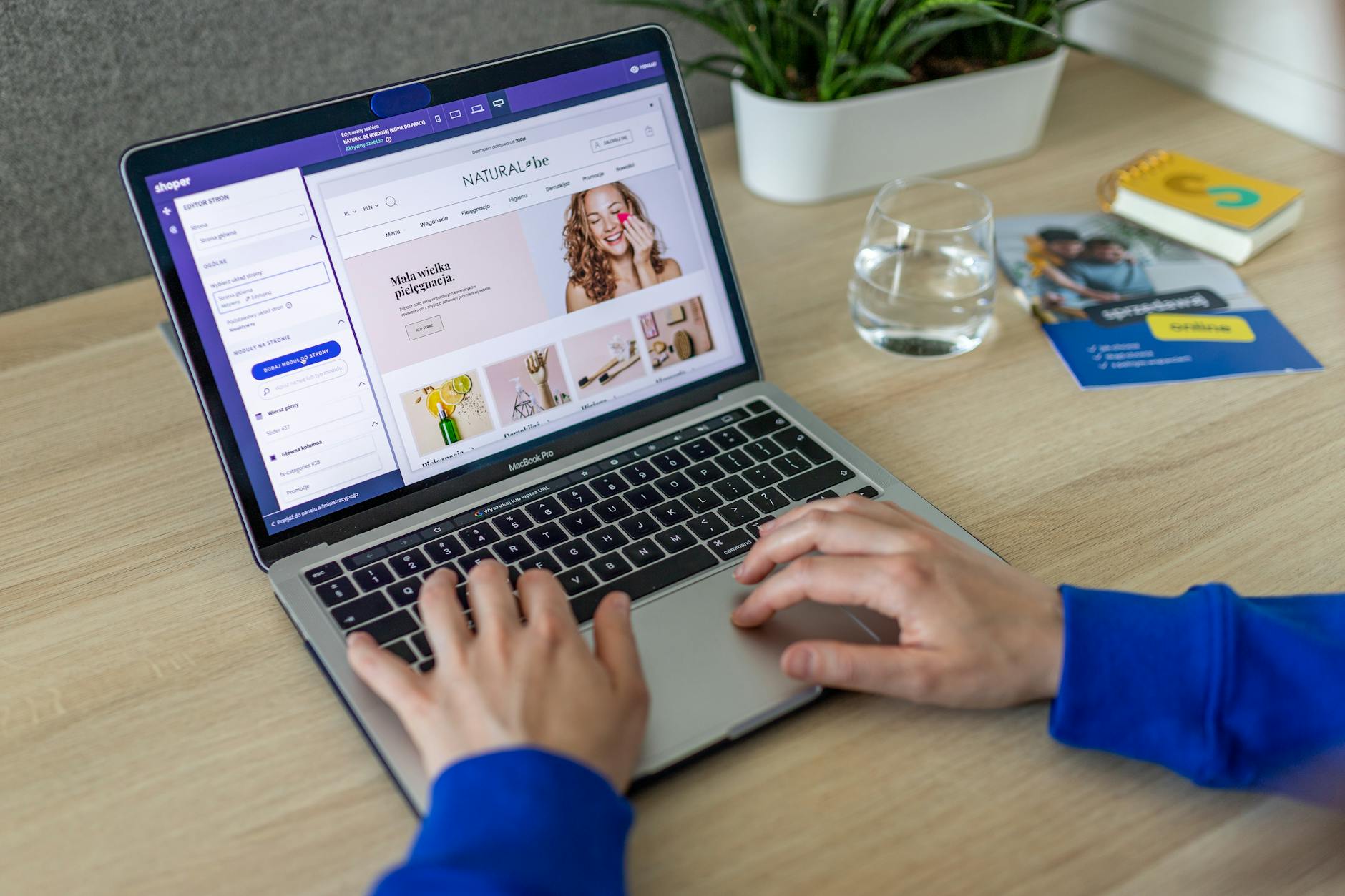
Step 1 — Pick a niche by checking demand, not by guessing. Open Etsy and search a category like “wedding invitation template”. Look at the top 20 listings. Note how many have “>100 sales”, “bestseller”, or thousands of “favorites”. A category where the top listing has 5,000 favorites and the tenth listing still has 800 is a healthy market. A category where the top has 5,000 and the tenth has 12 is a winner-take-all market. Avoid those until you have experience.
Step 2 — Design 10 to 20 templates as a bundle, not one at a time. A single template at $5 looks generic. A bundle of 20 social media templates at $25 looks like a product. Use Canva’s grid and Brand Kit features (Pro only) to keep them visually consistent. Build them on standard sizes: 1080 x 1080 for Instagram, 1080 x 1920 for Reels and Stories, A4 plus US Letter for printables. Export both A4 and Letter — international buyers need both, and your Singapore customers want A4.
Step 3 — Set up the Canva Template Link properly. Inside Canva, open your template. Click Share in the top right. Click “More”. Choose “Template”. Set permissions to “Anyone with the link”. Copy the URL. This is the link your buyer will click to open an editable copy in their own Canva account. Crucially: do not export the file as a PDF or PNG and sell that. The legal way to sell editable Canva designs — especially anything with Pro elements — is the Template Link.
Step 4 — Keep a master copy. Duplicate your master template into a folder called “Master files” before you share the template link. If a buyer asks for a custom colour, you edit the master and re-share. You do not touch the live template that other buyers are also using.
Step 5 — Create mockup previews and an instructions PDF. Buyers cannot try before they buy. So the listing photos do the selling. Use Smartmockups (bundled with Canva Pro) or Placeit to drop your design onto a phone screen, an iPad, an open journal. Add a one-page PDF that explains how to open the template, change fonts, swap images, and download. A clear instructions PDF cuts your support emails by half — and your boss, if you also have a day job, will be very happy that you are not on Etsy customer support all evening.
Step 6 — List with the right keywords. Etsy search behaves like a discount Google. Use the exact phrase a buyer would type — “minimalist wedding invitation template Canva editable”, not “elegant nuptial stationery”. Fill all 13 tag slots. Repeat the core phrase in the title, in the first line of the description, and in two of the photo alt-text fields.
If you are also planning to send your buyer a lead-magnet PDF (a thank-you discount voucher or a free bonus printable), build that PDF inside Canva too. Our guide on editing PDFs in Canva walks through the cleanest workflow.
Designing printables in Canva and selling them
Printables are the gentlest on-ramp to a Canva digital-products business. Buyers pay for files they print at home: planners, meal-prep sheets, kids’ worksheets, chore charts, budget trackers, habit calendars, gratitude journals, kids’ colouring pages, room-by-room cleaning checklists, wedding-day timelines.
The Canva workflow is the same as for templates, with three differences.
- Export as PDF Print, not as an editable Template Link. Printables are delivered as finished files. The buyer downloads, prints, and uses. There is no edit step. Use File > Download > PDF Print with “Crop marks and bleed” off and “Flatten PDF” on.
- Design for both A4 and US Letter. A4 is 210 x 297 mm — the standard sheet size in Singapore, the UK, and most of the world. US Letter is 8.5 x 11 inches. They are close but not identical, and a US buyer who prints an A4 file on Letter paper gets cropped margins. Build the master in Canva at A4 with a generous safe margin (15 mm on every side), then duplicate, resize to Letter, and re-tweak. Export both PDFs. Include both in the buyer’s download. Your American customers will be delighted, and so will your Singapore ones.
- Black-and-white test. Most home printers are ink-jet or laser, and most users print in greyscale to save ink. Print your design in black-and-white before listing it. If a pale grey heading disappears or a colour-coded section becomes unreadable, fix it. Canva’s Print Preview in greyscale (Print Preview > B&W toggle) catches most problems.
For categories that lean on a specific document type — a resume, for instance — link to a more specialised guide. Our resume-in-Canva walkthrough covers the layout and ATS-readability points you will want baked into resume templates if that becomes your niche.
Using Canva for client work: pricing, deliverables, and the licence clause most people miss
Freelance design services are the fastest path to your first paid invoice because you skip the audience-building step. You pitch, a client says yes, you deliver, you bill. Most freelancers using Canva offer one or more of: social media post packs, presentation decks, flyers and one-pagers, brand starter kits (logo, colours, fonts, business card), e-book and lead-magnet layouts, infographics, YouTube thumbnails.
Pricing. Beginners typically start at $25 to $40 per hour, or $50 to $150 for a one-off deliverable. Once you have 5 to 10 finished pieces in a portfolio and a couple of testimonials, you can move to project pricing: $300 to $600 for a 10-slide deck, $500 to $1,500 for a brand starter kit, $200 to $400 per month for ongoing social media content (10 to 12 posts plus stories). Retainers beat hourly work because they level out your income and reduce the chase. Managers can be quite demanding — they want their post on Monday morning, every Monday — and a retainer pays you for that predictability.
Deliverables. Decide upfront whether you are delivering finished files (PDF, PNG, JPG) or editable Canva templates the client can update themselves. Editable templates command a higher fee, but they require a careful handover. Otherwise the client will email you every week to “just change the date” and your hourly rate quietly disappears.
The Canva commercial-use clause most articles get wrong. Canva’s content licence allows commercial use of free and Pro elements as part of your design, with three hard rules:
- Your design must be an original composition you started from a blank page. Taking a pre-made Canva template, swapping the colours, and selling it as your own is a clear violation. This applies whether you are selling on Etsy, delivering to a freelance client, or uploading to a stock site.
- You cannot resell standalone Canva assets. A single Canva stock photo printed onto a poster, sold as the poster, is not allowed. A pack of Canva icons sold as clipart is not allowed. The assets must be integrated into your original composition.
- If you deliver an editable file that contains Pro elements, it must be delivered as a Canva Template Link, not an exported flat file. This is the rule that catches most freelancers out. You can deliver final PDFs and PNGs to a client. But if the client wants the editable source so they can update it themselves, and that source contains Pro elements, the legal way to share it is the Share > Template link.
Bake the licence rules into your contract or service description, so a client cannot ask for a deliverable you cannot legally provide. When in doubt, Canva’s official Content License Agreement is the source of truth — read it before you scale.
For the broader skill set that makes freelance Canva work pay — the design fundamentals, the Brand Kit workflow, the Magic Resize trick that turns one design into twelve — our video editing with AI tools companion course pairs well with Canva for sellers who want to move into short-form video templates. The flagship Canva course is linked at the top and bottom of this article. Both are WSQ-funded for Singaporeans and PRs, so SkillsFuture credits cover most of the fee.
Canva’s affiliate program: the lowest-effort path (if you have an audience)
Canva runs an affiliate program where you earn a commission — usually up to about $36 — every time someone subscribes to Canva Pro through your unique referral link. The cookie window is typically 30 days, so a visitor who clicks your link and signs up within a month still counts as yours.
This is the lowest-effort path if, and only if, you already have a place to put the link. A blog with Canva tutorials. A YouTube channel that teaches design. A course bonus pack. An email list of small business owners. All of these convert. A random Instagram post to a cold audience does not. The visitor needs to be in a “considering Canva Pro” state of mind when they click, or the cookie expires unused.
Where the affiliate program works:
- A “how to use Canva for X” tutorial blog post with the link in the intro and the conclusion
- A YouTube video showing a Pro-only feature (Background Remover, Brand Kit) with the link in the description
- A course bundle that includes “Canva Pro starter pack” as a bonus, with the link as the redemption
- An email sequence that ends with “Ready to try Canva Pro? Here’s a [referral link] that gives me a small commission”
Where it does not work:
- Social posts to a cold audience who have never heard of you
- Comment-spam on other people’s Canva tutorials
- A landing page with no content, just an affiliate button
If you are already creating Canva content for any reason, the affiliate program is a sensible secondary income stream. If you are not, building an audience just to earn $36 per referral is the long way round. Do try it — but only after you have a Canva piece that people are already reading.
What to budget for: Canva Pro, Etsy fees, mockups (the real cost-per-sale math)
The articles that promise “make $5,000 a month with Canva” tend to skip the cost side. Let us do it honestly. Canva business cost is the search term, so here is what it actually adds up to.
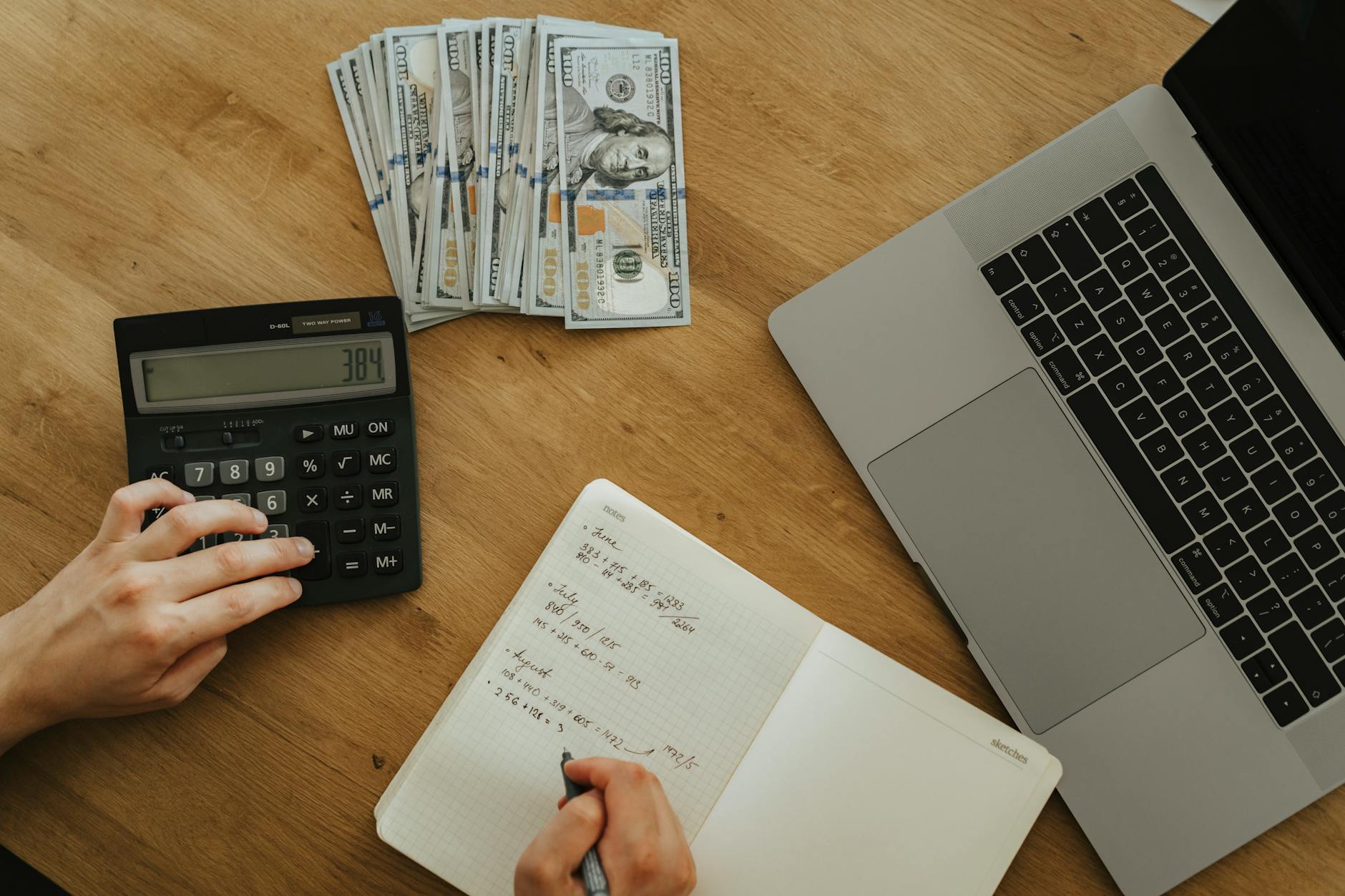
Canva Pro subscription. USD $15 per month, or $120 if you pay annually. The free version works for basic templates, but Pro unlocks the Brand Kit, Background Remover, Magic Resize, Smartmockups, and the full premium-element library. Most sellers upgrade once they have one or two paying customers.
Etsy fees. Etsy charges three things every time you sell:
- Listing fee: $0.20 per listing, valid for four months. If the item does not sell, the listing expires and you re-list (and pay $0.20 again).
- Transaction fee: 6.5% of the item price plus the shipping you charge.
- Payment processing fee: roughly 3% plus $0.25, depending on your country. (Singapore sellers using Etsy Payments fall in this range — check the current rate in your shop settings.)
- Plus: Etsy ads if you run them, and an “Offsite Ads” fee (15% of the sale if Etsy itself advertised your listing and a buyer clicked it).
Mockup tools. Smartmockups is bundled with Canva Pro. If you outgrow it, Placeit costs $14.95 per month for unlimited mockups. For most sellers, the Canva Pro bundle is plenty.
Worked example. You sell a $5 Canva template on Etsy.
| Line item | Amount |
|---|---|
| Sale price (buyer pays) | $5.00 |
| Listing fee (amortised over sell-through of ~1 in 30 listings) | -$0.20 |
| Transaction fee (6.5% of $5.00) | -$0.33 |
| Payment processing (3% + $0.25) | -$0.40 |
| Net to you | $4.07 |
That is gross to net per sale, before you allocate your Canva Pro subscription. If you spread $15 a month across, say, 30 sales, that is another $0.50 per sale, leaving roughly $3.57 net. Multiply by your monthly sales volume to get your real Canva business income.
Two takeaways. First, the price point matters. A $5 template nets you $3.57. A $25 bundle nets you about $22 after the same fixed fees, because the percentage-based fees scale but the listing fee does not. Bundle pricing is the lever. Second, “make $5,000 a month” needs context — gross or net? At $3.57 net per sale, you need 1,400 sales a month. At $22 net per bundle, about 230. Same revenue, very different volume target.
For sellers who hit that volume and want to automate the listing workflow itself — auto-generating mockups, batch-uploading to Etsy, scheduling Pinterest pins — our no-code AI automations course walks through the workflow patterns. The companion digital transformation with AI tools programme covers the broader ChatGPT-to-Canva pipeline for sellers who write the copy and the descriptions inside the same workflow.
Realistic timeline: how long before you make your first $100
The single most useful number, and the one most hyped articles avoid. Here is the honest by-method timeline.

| Method | First $1 | First $100 | $500/month |
|---|---|---|---|
| Freelance design services | 1–4 weeks (after pitching) | 4–8 weeks | 3–6 months |
| Print-on-demand | 2–4 weeks | 2–4 months | 6–12 months |
| Selling printables on Etsy | 1–4 weeks (after 10+ listings) | 2–4 months | 6–12 months |
| Selling Canva templates on Etsy | 2–6 weeks | 3–6 months | 6–18 months |
| Canva Creator Program (royalties) | 4–8 weeks (after approval) | 4–9 months | 12–24 months |
| Canva affiliate program | depends on existing audience | 2–6 months if you have one, 12+ if not | depends on traffic |
The pattern is clear. Service work (freelance) pays fastest, because someone hands you money in exchange for hours. Passive products (templates, printables, royalties) take longer, because they need a small library before any single listing ranks. Affiliate income depends on traffic you may or may not already have.
After 24 years of training working professionals in Singapore, I see one pattern repeat itself almost every time. The people who hit the first $100 milestone quickly are not the most artistic ones. They are the ones who treat Canva as a tool inside a business they already half-understand. A wedding photographer who already books clients adds editable thank-you-card templates as an upsell. A primary-school teacher who already knows what parents want makes worksheets parents pay for. A freelancer who already pitches sales decks adds presentation templates to her Fiverr gig. The Canva learning curve is the easy part. The business curve is where the time goes.
So pick a niche you already know something about. List ten things, not one. Give it ninety days before you judge whether it is working. And when it works, raise the price — because $5 templates almost never grow into a business, but $25 bundles can. The lean-startup principle applies just as cleanly to a one-person Canva shop as it does to a tech company: ship small, listen, iterate.
Wrap-up
Six paths. Different effort curves. The same underlying truth: Canva is the tool, the business is the work. If you want a fast first invoice, freelance. If you want a passive income engine, build a small library of templates or printables on Etsy and accept that the first three months will be quiet. If you already have an audience, the affiliate program is a low-effort secondary stream. Pick one. Give it ninety days. Measure honestly.
Course CTA: Canva Design Masterclass in Singapore — our flagship Canva course, covering layout fundamentals, the Brand Kit, Magic Resize, and the Smartmockups workflow that makes all six monetisation paths faster. WSQ-funded for Singaporeans and PRs.
If your goal is to turn this into income rather than a hobby, learn the tool properly once and the rest follows. I hope you’ll find it useful — and do try it out, even if it is just one listing this weekend.
For the broader picture of what Canva can do beyond money-making, our how-to-use-Canva overview is the cluster hub.